Proxet Styleguide:
Digital Assets
Email Signature

How to use it?
1. Create a duplicate document from the template above.
2. Edit the name, role, and contact (you can remove it if it is not needed).
3. Go to Gmail, and then - Settings > See All Settings.
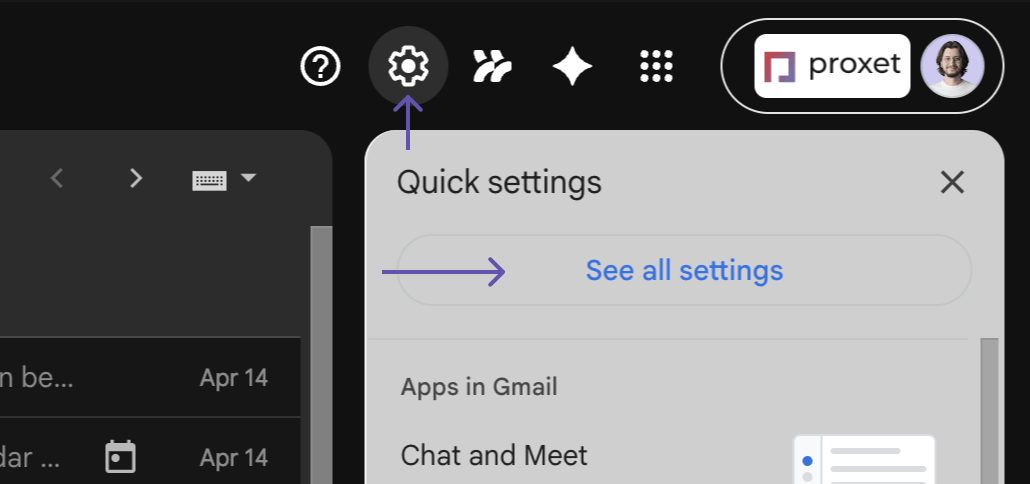
4. Find the signature field. Then create a new signature.


5. Copy the signature from the Google Doc duplicate and paste it here.
6. After that, select the signature from the two dropdowns and press save at the end of this page.
5. Copy the signature from the Google Doc duplicate and paste it here.
6. After that, select the signature from the two dropdowns and press save at the end of this page.

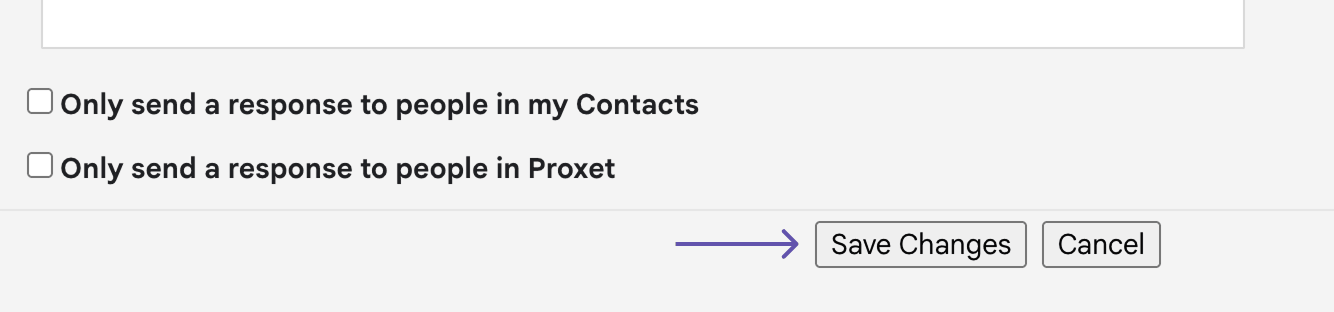
That's it. Your signature should be visible in all newly sent emails.
Google Templates
%201.png)

How to use it?
If you want to use a template, you should just open it and make a duplicate. Then edit this duplicate.
Please note: if you are making an external presentation - send it to the designers for polishing before sending it to clients.

Social Media Assets
Linkedin Cover

Linkedin Avatar
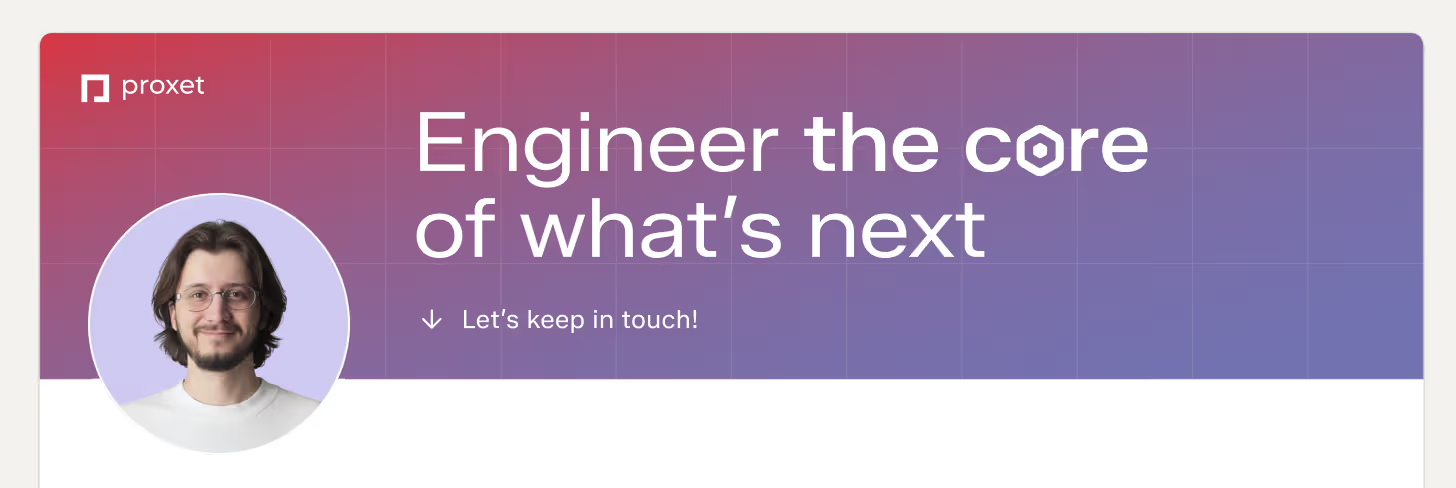
To create a branded avatar, you can just send your photo in Google Gemini (with the selected Create image mode) and write this prompt:
Create headshot of this person on solid background with color #CECAF1. Front light, high quality.Keep in mind that the provided photo should be where only you are in the image, and your face is clearly visible. Photos with family from a vacation are not suitable here, sorry.
Below is an example of how it should look together:
Virtual Backgrounds
Sometimes our background during calls doesn't look the best - the mess in the room, family members, whatever. That's why we have a solution for you - a branded background. 🙂
Please note: you can see your background as mirrored; it's okay, others will see it in the correct view.
Click on the preferred background to download it.